Let guests order by scanning a QR code - no app download needed
OrdrHQ puts a digital menu at every table. Guests scan, browse, and place orders from their phones. Every order lands directly in your POS and kitchen - no re-entry, no lost slips.
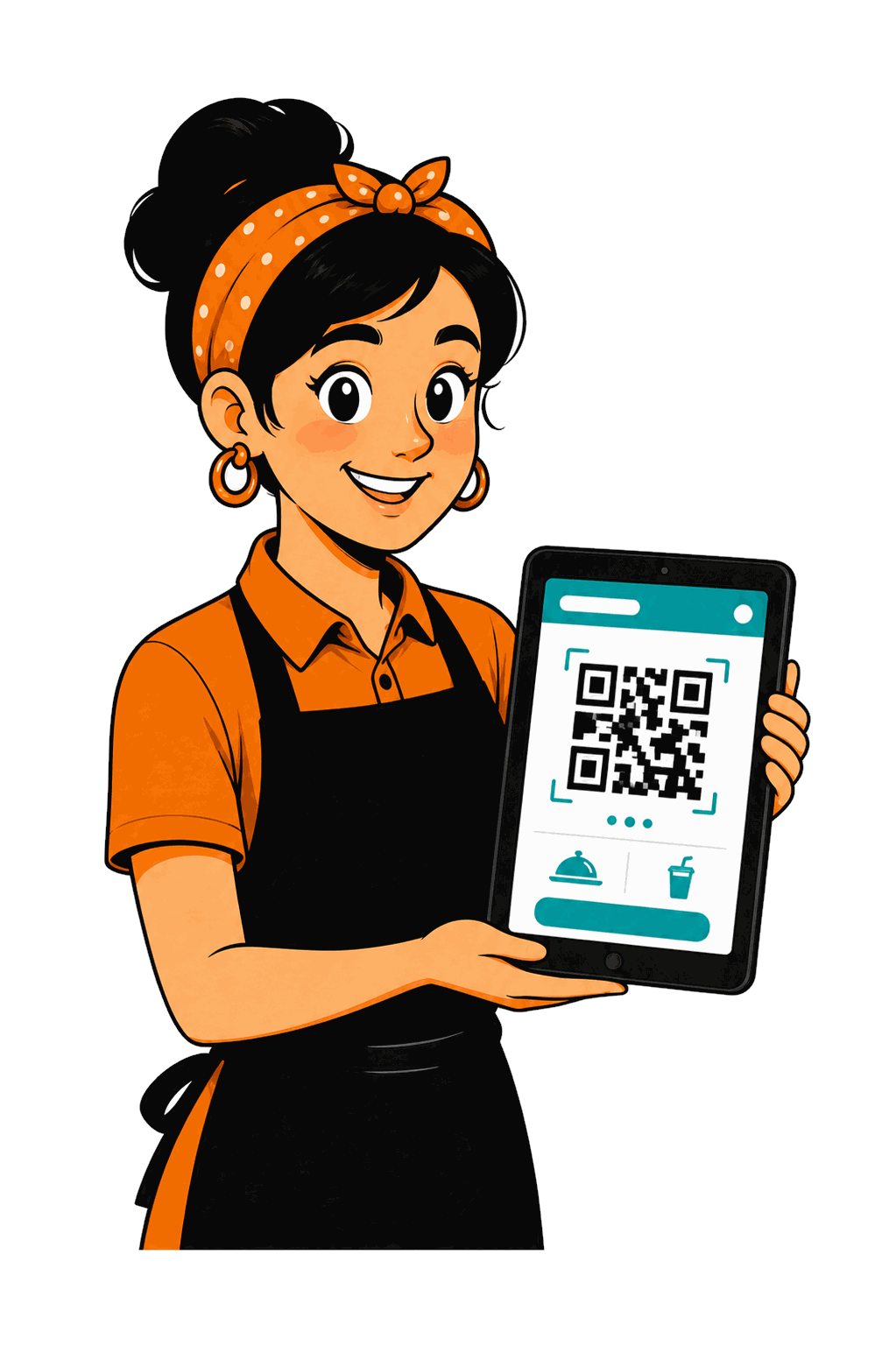
How QR ordering works at your cafe
The workflow is simple for both guests and staff. No training required for customers, and no extra steps for your team.
1. Guest scans
A printed QR code on the table opens the menu instantly in any phone browser.
2. Guest browses
The digital menu shows your current items and prices - update it any time from the admin panel.
3. Order placed
Guest confirms the order from their phone. It goes straight into the POS.
4. KOT printed
The kitchen receives a clear printed ticket - no verbal relay, no handwritten notes.
Why QR ordering matters for Indian cafes
Indian cafes run on tight margins and small teams. QR ordering reduces the load on staff during peak hours without asking customers to install an app or create an account.
Serve more tables with the same staff
When guests can order themselves, your team focuses on food delivery and service instead of taking repeat orders.
Fewer order mistakes
The guest picks exactly what they want. No mishearing, no wrong item, no kitchen confusion.
Works on any smartphone
No app download needed. The menu opens in the browser - on Android, iOS, or any device with a camera.
Faster table turns during rush hours
Guests browse and order while you're still clearing the previous table. Less waiting, more throughput.
QR orders connect directly to your POS and kitchen
Unlike standalone QR apps, OrdrHQ keeps QR ordering, counter billing, and kitchen KOT in one system. No syncing, no duplicate entry, no data split across two tools.
See how rush-hour management worksSimple comparison
| Scenario | Without QR ordering | With OrdrHQ QR |
|---|---|---|
| Taking orders | Staff visits every table, writes by hand | Guests order themselves from the table |
| Kitchen communication | Verbal or paper slip - easy to lose | Printed KOT ticket, instant and clear |
| Order accuracy | Depends on handwriting and memory | Guest confirms exactly what they want |
| App required | - | No - browser only, zero friction |
| Cost | Extra staff or lost orders | Included in ₹1,500/month plan |
QR ordering, POS billing, kitchen KOT and table management - plus the stock, reports and win-backs that grow the business. One plan, no hidden fees.
- QR code menu for every table
- Orders flow directly to kitchen and POS
- No app download for guests
- Works on any Android or iOS device
Frequently Asked Questions
No. The QR code opens a web page in the guest's browser. No app installation or account creation needed.
Yes. Staff can create and manage orders directly from the POS at any time. QR and counter orders are handled in the same system.
Any changes you make to items or categories in your admin panel are reflected in the QR menu immediately.
Yes. OrdrHQ is built specifically for small cafes and restaurants. It scales with your table count without changing the price.
Each QR order triggers a KOT (Kitchen Order Ticket) that prints or displays in your kitchen workflow - the same as a counter order.